

In this guide, Ill Talk about the How to Get Started with Chainlink Node. Well cover everything from preparing your computer and funding your wallet to creating your first job.
Whether your a developer or just a curious blockchain fan, this step-by-step article will help you dive into Chainlinks decentralized oracle network without getting lost.
What is Chainlink Node?
A Chainlink node is basically a computer program that helps blockchain smart contracts reach out to the outside world-for example, to grab live market prices, check the weather, or pull in sports scores. Think of it as a sturdy bridge linking on-chain data and off-chain resources so that contracts can act on real-time events instead of yesterday’s information.
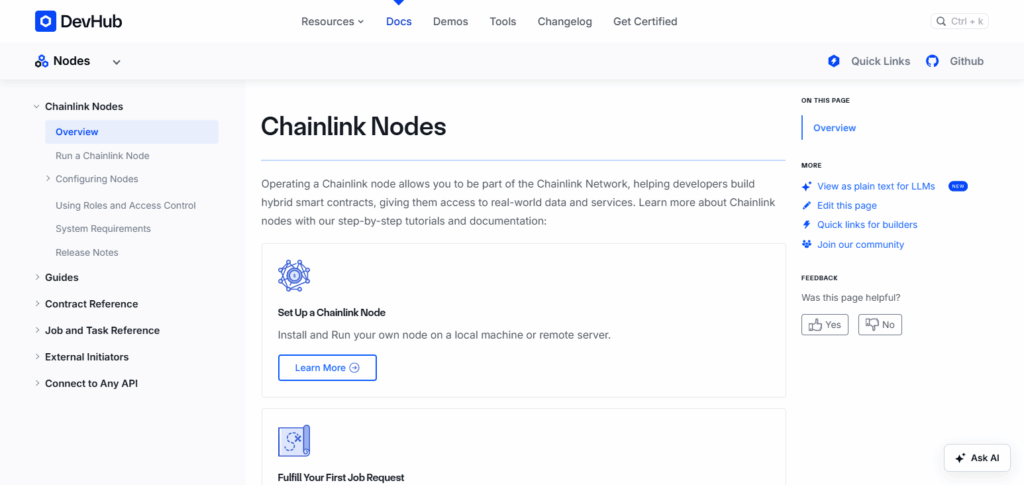
People who run these nodes take care of the hardware, answer data requests quickly, and keep the system online. For their trouble, they get paid in LINK tokens, which is why Chainlink nodes are seen as a key piece of any decentralized oracle network.
How to Get Started with Chainlink Node
Sure! Here’s a short step-by-step guide on How to Get Started with a Chainlink Node using Infura as the platform example:
How to Get Started with Chainlink Node (Using Infura)
Create an Infura Account
- Sign up at Infura.io and create a new Ethereum project.
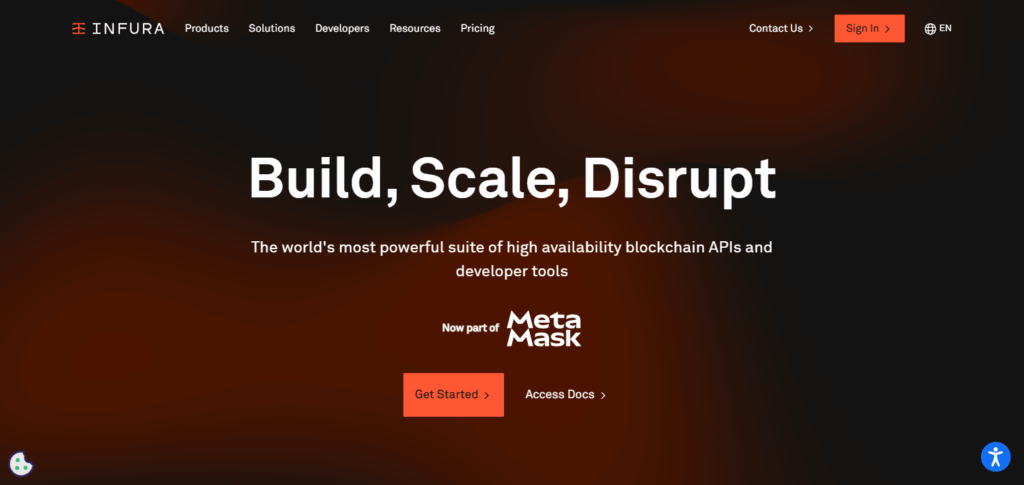
- Copy your project’s Mainnet URL.
Set Up Your Server
- Use a VPS with Linux (e.g., Ubuntu).
- Install Docker and Docker Compose.
Configure Environment Variables
- Create a .env file with your Infura URL, wallet address, and other required settings.
Run PostgreSQL Database
- Set up PostgreSQL locally or via Docker for node data storage.
Start Chainlink Node Docker Container
- Run the official Chainlink Docker image with your environment variables.
Access Chainlink Node Dashboard
- Open your server’s IP on port 6688 in a browser to manage the node.
Fund Your Wallet
- Deposit ETH and LINK tokens to your wallet for gas and oracle payments.
Create and Run Jobs
- Use the dashboard to set up jobs that fetch external data for smart contracts.
Funding and Wallet Management
Add LINK Tokens: Make sure your Chainlink node wallet has LINK tokens so you can pay for all the oracle jobs you send out.
ETH for Gas Fees: Always keep a little ETH in the wallet; that way each Ethereum transaction will have enough gas and wont get stuck.
Use Faucets for Testnets: If you are working on testnets such as Goerli or Sepolia, grab free ETH and LINK from a faucet to keep experiments running.
Secure Your Wallet: Store your private keys and login details in a safe place so that nobody else can sneak in and drain your funds.
Monitor Balances Regularly: Set a reminder to check your balances every few days so you know right away if funding is getting low.
Security and Maintenance
Use Strong Authentication: Lock your node dashboard behind a complex password, and turn on two-factor authentication whenever the option is there.
Keep Software Updated: Check for updates to your Chainlink node software and any add-ons at least once a week, so you catch security fixes as soon as they land.
Secure Private Keys: Never keep private keys in plain text; instead, store them offline or in a trusted hardware vault that only you can reach.
Enable Firewall and Network Security: Set up a firewall and consider a VPN to let only approved IP addresses talk to your node while keeping the rest of the internet out.
Regular Backups: Run daily or weekly backups of your database and config files, so you can get back online quickly if something goes wrong.
Monitor Node Performance: Use tools like Prometheus or Grafana to watch uptime, error rates, and CPU memory in real time, giving you an early heads-up when extra attention is needed.
Joining the Chainlink Community and Ecosystem
Read the Official Docs
Check out Chainlinks official documentation to learn how the network works, find step-by-step guides, and troubleshoot common problems.
Jump into Forums and Chats
Pop into the Chainlink Discord, Telegram groups, and community forums so you can ask questions and meet other node operators.
Follow Social Media
Keep an eye on Chainlinks Twitter, LinkedIn, and YouTube for news, tips, and updates about network upgrades.
Help on GitHub
Find an open-source project that interests you, report a bug, write some code, or suggest a new feature.
Join Events and Webinars
Attend local meet-ups, online hackathons, and learning sessions to build skills and swap ideas with others.
Team Up with Developers
Partner with smart contract developers to create fresh oracle solutions that can move the ecosystem forward.
Pros & Cons
| Pros of Running a Chainlink Node | Cons of Running a Chainlink Node |
|---|---|
| Earn LINK tokens as rewards for data services | Requires technical knowledge to set up and maintain |
| Supports decentralized oracle network security | Initial hardware and hosting costs |
| Enables direct participation in blockchain oracles | Needs regular updates and security monitoring |
| Flexible job creation for diverse data requests | Potential downtime can lead to loss of rewards |
| Contributes to Web3 infrastructure growth | Managing wallet security is critical |
Conclusion
Setting up a Chainlink node lets you plug real-world data right into blockchain apps, acting like a friendly bridge for smart contracts.
Once you set up your hardware, lock your wallet tight, and practice making jobs, you start serving data and can earn LINK tokens in return. A bit of regular care plus tips from the Chainlink community turns running a node into a fun, rewarding way to jump deeper into the fast-moving Web3 scene.