


In this article, I will discuss How to Spin Up a Bridging Aggregator Dev Environment, covering the steps and tools in a beginner’s guide to achieving a smooth setup and all needed considerations.
You will learn the role of bridging aggregators in enhancing cross-chain interoperability, the importance of a developer environment, and the ways developers can safely test, optimize, and scale blockchain applications before deploying to live networks.
Understanding Bridging Aggregators
A bridging aggregator is a blockchain protocol that integrates several cross-chain bridges into a single portal which allows users to move assets across various blockchains without any hassle.

Rather than using a single bridge, the aggregator opts to examine multiple options to guarantee the fastest, and the most cost-effective and secure method to execute a transaction. This increases the effectiveness, decreases the risks, and improves the liquidity across various networks.
For the developers and the traders, bridging aggregators enable effortless cross-chain integration by the automation of asset transfers between blockchain which increases the accessibility and the ease of use of the decentralized finance (DeFi) ecosystems.
How to Spin Up a Bridging Aggregator Dev Environment

Example: Step-by-Step Setup
Step 1. Install Required Tools
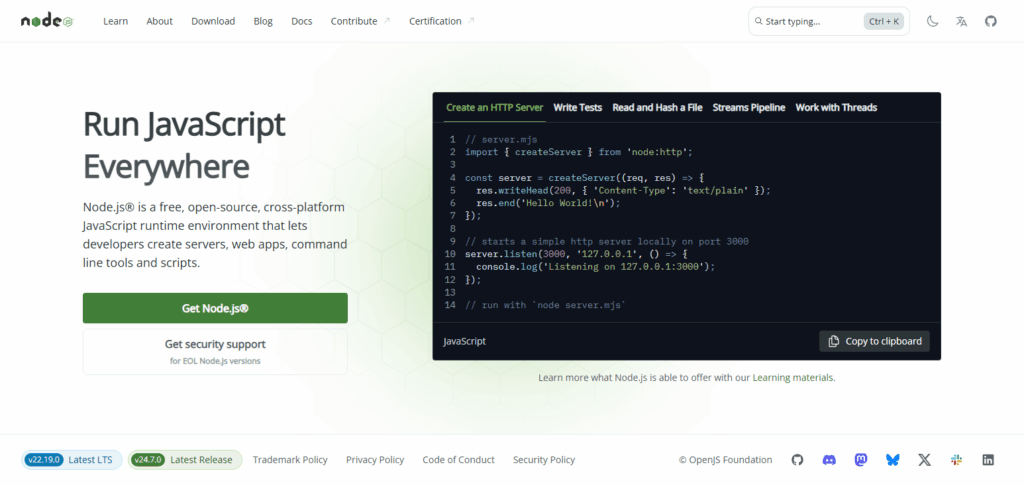
- Install Node.js in addition to npm for script execution.
- Set up docker for managing local blockchain nodes.
- For development, use Visual Studio Code or any other IDE.
Step 2. Clone Aggregator Repository
- Search GitHub for a bridging aggregator repository.
- Clone the repository: git clone <repo-url>.
Step 3. Install Dependencies
- Go to the project folder and run npm install.
Step 4. Configure Blockchain Testnets
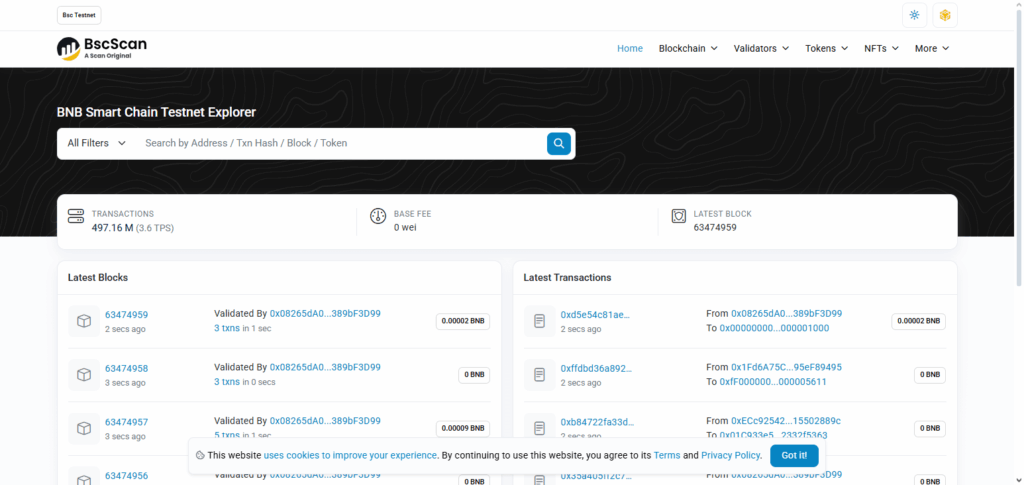
- Use blockchain testnets such as Goerli, Mumbai, or BSC Testnet.
- In .env file add RPC endpoints and wallet private keys.
Step 5. Connect Multiple Bridges
- In the aggregator configuration, add bridges such as Hop, Connext, or Synapse.
- Set API keys or endpoints for each of the bridges.
Step 6. Start the Dev Environment
- Execute npm start or use yarn dev to start the local environment.
- Check connections to testnets.
Step 7: Test Cross Chain Transactions
- Execute token swaps and transfers between the simulated chains.
- Review logs for any errors and confirm the transactions are successful.
Step 8: Optimize & Debug
- Refine gas fees, retry logic, and gas costs.
- Explore testing advanced cases for robustness and security.
Why Choose Bridging Aggregator Dev Environment
Immersive Experience: Master practical skills through hands-on experience with cross-chain interoperability.
Tailor Your Project: Configure the environment for your project’s specifications.
Sandboxed Environment: Test without the risk of real funds exposure on the mainnet.
Enhanced Pre-Production Testing: Resolve problems beforehand for a smoother production launch.
Transactional Savings: Testnets and mock bridges minimize transaction fees, increasing cost efficacy.
Elastic Infrastructure: Design infrastructure that can scale with your decentralized application.
Controlled Probes: Test for and counter vulnerabilities in a sandboxed environment for enhanced security.
Streamlined Integration: Merge multiple blockchain bridges with a single interface for better resource efficiency.
Testing the Environment
After setting up your bridging aggregator dev environment, the next step is functionality testing. Start with executing the initial scripts to confirm all dependencies and connections are functioning correctly. Deploy a sample smart contract on a testnet to verify the configuration interacts appropriately with blockchain networks.
Then, test cross-chain transactions to confirm assets can move between the chains seamlessly. Performance and issue detection with logging and monitoring tools should be active. Successful completion of the described tests indicates the environment is ready for real development efforts.
Common Issues and Fixes
When setting up a bridging aggregator’s dev environment, developers often encounter several hurdles. One common challenge is the inability to connect to nodes, often due to unreliable RPC endpoints or improper network configurations.
This challenge can be solved by switching to more dependable RPC providers or double-checking configuration files. Another frequent challenge is dependency hell, which is having multiple libraries or packages which are incompatible with one another, and is solved by either updating to a more recent version or with the help of version managers.
Lastly, transaction errors in cross-chain tests are common—transaction errors are often resolved through log analysis and contract address verification. Adherence to documentation and version control is essential in mitigation of these challenges.
Risks & Considerations
Security Risks
Exploitable weak points in smart contracts or bridges may lead to hacks and fund losses.
High Maintenance
Keeping dependencies and nodes updated requires a perpetual investment of time.
Scalability Challenges
Local setups might lack the capability to large-scale or multi-chain test.
Cost Implications
Operational expenditures may increase with the running of nodes or contracting premium APIs.
Complex Debugging
Errors occurring in several chains are relatively more complicated to diagnose and repair.
Data Reliability
Test results may be inaccurate due to inconsistent test data from RPC providers.
Optimization Tips
Use Reliable RPC Providers — Select endpoints that guarantee stable cross-chain access for maximum uptime.
Containerization — Run your environment in Docker for easier scaling with consistent setup across different deployments.
Efficient Caching — Reduce redundant calls by caching frequently accessed blockchain data.
Automated Testing — Set up CI/CD pipelines to automatically validate changes and identify issues prior to deploying.
Security Best Practices — Performed periodic audits on smart contracts and change dependency versions in the blockchain to enhance security.
Resource Management — Provision appropriate amounts of CPU and RAM to the nodes to eliminate the risk of throttled performance.
Monitoring Tools — Track performance with dashboards and logging tools such as Grafana and Prometheus.
Pros & Cons of Running Your Own Dev Environment
| Pros | Cons |
|---|---|
| Full control over setup and configurations | Requires technical expertise to manage |
| Ability to customize tools and workflows | Can be time-consuming to maintain |
| Secure environment for testing without third-party risks | Hardware and server costs may be high |
| Better understanding of cross-chain mechanics | Debugging complex issues can be challenging |
| No reliance on external service limitations | May not easily scale for enterprise-level projects |
Conclusion
For developers looking to build and test cross-chain applications with reliability and control, spinning up a bridging aggregator dev environment is an important task. Ensuring the right prerequisites are met, following the setup steps precisely, and executing rigorous tests will provide a solid base for innovation and experimentation.
Though there are challenges like maintenance, costs, and debugging, the advantages of security, customization, and flexibility far exceed the downsides. After appropriate debugging and optimization, the environment will be able to enable efficient development and uninterrupted cross-chain interoperability.
FAQ
Do I need advanced coding skills to set it up?
Basic knowledge of blockchain, smart contracts, and development tools like Hardhat or Foundry is recommended. Advanced coding isn’t always required but helps in troubleshooting.
Can I use a local machine or cloud for setup?
Yes. You can run it on a local computer for small projects, while cloud setups are better for scalability and continuous testing.
How long does the setup take?
Depending on your system and familiarity, it may take anywhere from 1–3 hours to fully configure and test the environment.