

In this article i will discuss the How to Buy Crypto on Mobile. The introduction of mobile apps has made the purchasing process quicker and more streamlined than before.
I will be walking you through the different types of applications available in the market, how to open an account, and safely complete your first cryptocurrency transaction from a phone.
What is Crypto?
Crypto or cryptocurrency is a form of digital or virtual currency that uses cryptography for security. Governments do not issue crypto, instead, it operates on blockchains which are decentralized networks ensuring transparency and preventing any form of tampering.
The first and most well known cryorpocurrency is bitcoin and it s the reason for the existence of thousands of others such as Ethereum and Solana. Crypto supports person to person transactions without the requirment of middlemen and cuts across borders, is swift, and safe.
It is also commonly used for trade, investment, and even for getting the services of a decentralized financial system.
How to Buy Crypto on Mobile
Example: Purchasing Bitcoin via Coinbase App
Step 1: Download the Application
- On the App Store (iOS) or Google Play Store (Android), you can find our app.
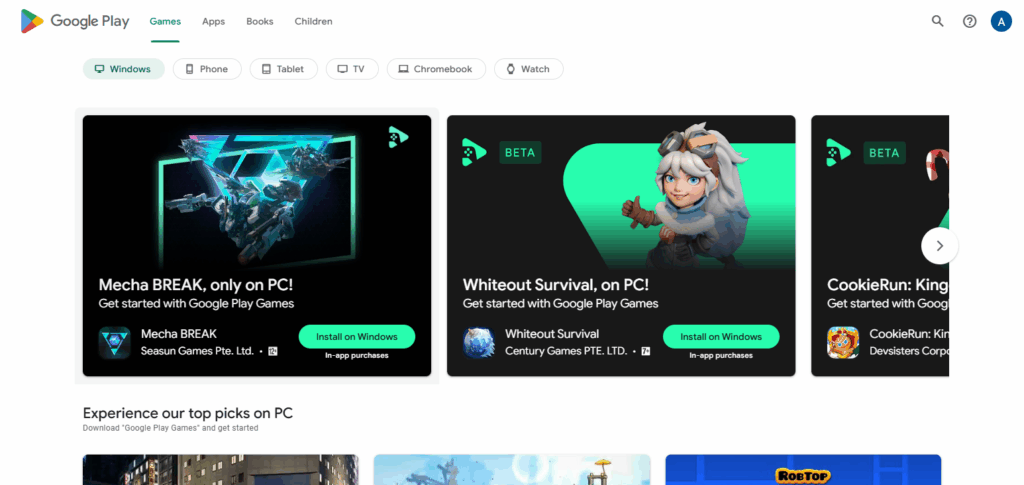
- Look up “Coinbase” to download it.
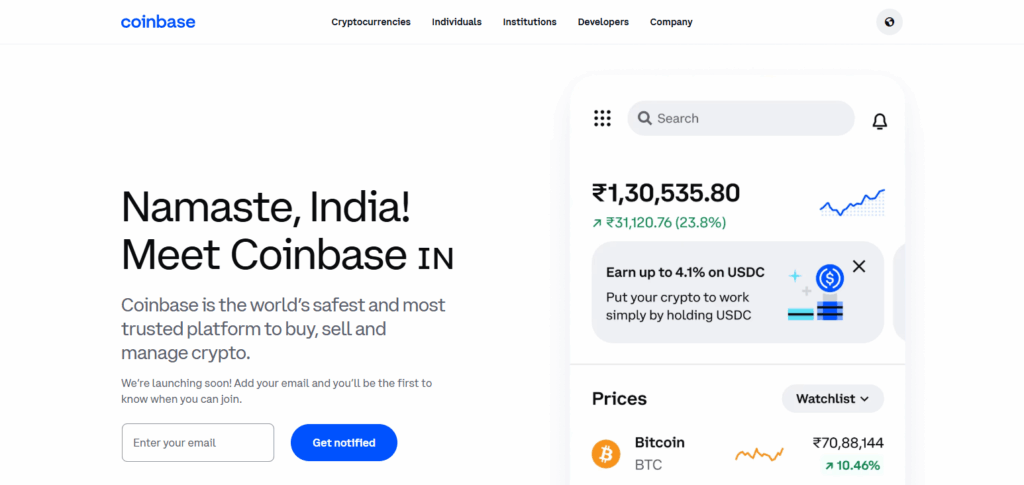
Step 2: Sign Up for An Account
- Make sure to click on the “Get Started” button able to open the app.
- Use your email to register, ensure your password is strong, and go through basic KYC verification such as ID and selfie submission.
Step 3: Set Up Payment Method
- Locate “Payment Methods” within settings.
- Link your bank account, debit card, or UPI if you are in a supported region (country).
Step 4: Select Cryptocurrency
- Use the search bar to locate Bitcoin (BTC) or any other coin.
Step 5: Set Purchase Amount
- Click on “Buy” then state how much you want to spend in your local currency (₹5,000 for the example).
- The app will show you how much BTC you receive after the fees.
Step 6: Purchase Confirmation
- Ensure that transaction details are correct then click on “Buy Now,” proceed to approve payment.
Step 7: Store or Transfer
- Your cryptocurrency will be available in your Coinbase wallet.
- You can hold, send, or transfer your crypto to a non-custodial wallet such as MetaMask or XDEFI.
Top Mobile Crypto Exchanges
Binance
As a mobile cryptocurrency exchange, Binance is among the best because their app is robust and easy to use for both novice and expert traders. It offers mobile access to spot and futures trading, staking, and even an NFT marketplace.

Perhaps its strongest features are the ability to trade with the largest volume and the most diverse group of trading pairs in the world. Furthermore, Binance’s mobile application offers translation and local currency support which increases convenience across different geographic locations.
KuCoin
KuCoin is one of the top mobile crypto exchanges, notable for its mobile application which provides easy access to spot, margin, and futures trading. The app even supports a good number of altcoins, making it perfect for users in search of early stage investment opportunities.
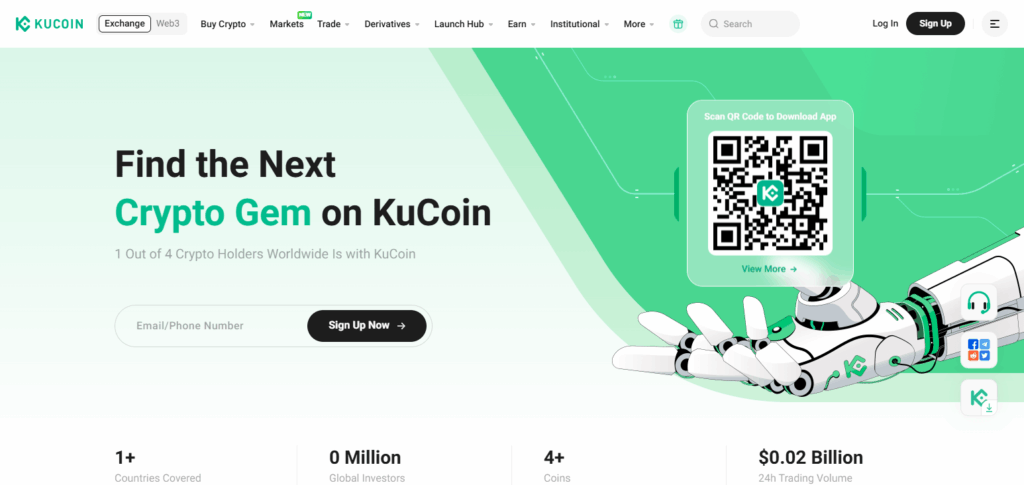
An in-app trading bot is what sets KuCoin apart, as it enables users to automate strategies from their smartphones. In addition to solid security, low fees, and worldwide access, the convenience of powerful and flexible trading makes KuCoin’s mobile app truly one of a kind.
OKX
OKX is one of the leading mobile cryptocurrency exchanges, boasting an app tailored for both beginners and experts with a comprehensive array of functions. It provides spot, futures, and options trading alongside sophisticated charting and up-to-the-minute market data.
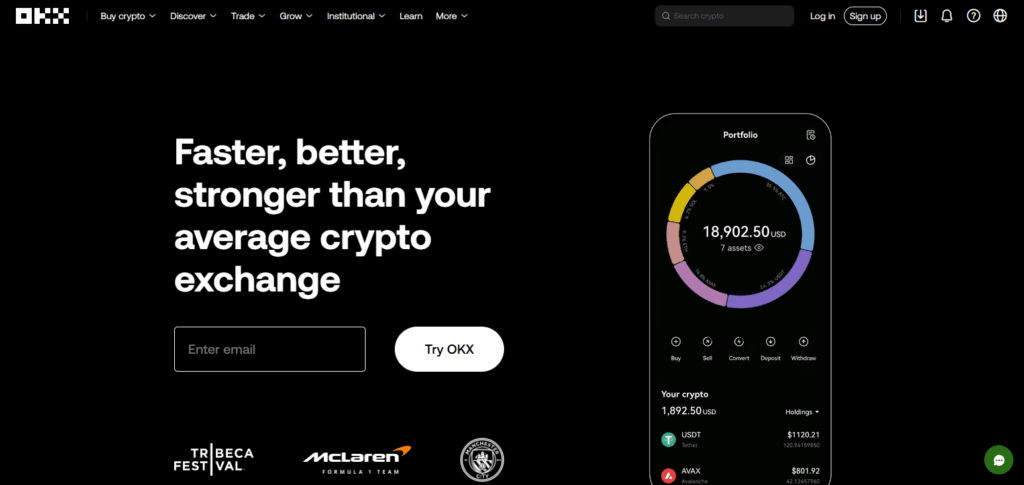
OKX mobile’s most distinguishing feature is its embedded Web3 wallet which facilitates access to DeFi, NFTs, and dApps right from users’ phones. The unbroken fusion of centralized and decentralized resources makes OKX unparalleled and a dominant mobile platform in the rapidly changing world of cryptocurrency.
Security & Management Tips
Security Suggestions
Set Up Two-Step Authentication (2FA): For additional security while logging in and performing transactions, use Google Authenticator or Authy.
Create A Strong Unique Password: Avoid using the same password across different sites. Utilize letters, numbers, and special characters in your password.
Do Not Access Public Wi-Fi: Only access your crypto applications over secured private networks to prevent intercepted data.
Update Your Apps Regularly: Make it a habit to always download the newest version of your exchange or wallet app since regular updates resolve vulnerabilities.
Use Cold Wallets To Store Large Amounts: For considerable amounts, consider moving your funds to hardware, or cold wallets, to keep them offline away from hackers.
Be Cautious of Phishy Links: Do not engage with links emailed to you claiming to be from crypto websites as they may be phishing scams. Ensure you verify the URLs.
Management Suggestions
Avoid Concentrating All Funds In A Single Coin Platform: Do not put all your crypto in a single coin or platform. If you have a broad range of crypto assets, consider consolidating to reduce risk.
Monitor Your Portfolio Frequently: Monitor your performance using mobile apps with tracking features or third-party apps and rebalance your assets as necessary.
Set Achievable Goals for Profit and Loss Limitations: Manage risk and profit retention with the help of trading technology.
Keep Yourself Updated: Make sure to follow credible sources and specialists for relevant updates.
Back Up Your Wallet Keys and Recovery Phrases: Keep them offline in multiple safe places. Ensure that you never disclose them to anyone.
Pros & Cons
| Pros | Cons |
|---|---|
| Convenience – Trade anytime, anywhere | Security Risks – Higher exposure on mobile |
| User-Friendly Interfaces – Easy to navigate | Limited Features – May lack full desktop tools |
| Real-Time Alerts – Instant price updates | Battery & Data Usage – Drains phone resources |
| Fast Transactions – Quick buy/sell execution | Vulnerable to Phishing Apps – Risk of fake apps |
| Integrated Tools – Charts, news, staking | Smaller Screen Size – Less ideal for analysis |
Conclusion
To sum up, acquiring cryptocurrency on mobile platforms is quick and efficient method of accessing the world of digital assets—provided that the appropriate application is used and security steps are implemented.
If you start your account with a good exchange, do KYC, payment method verification, and protection of your funds, everything concerning your crypto will be done on mobile without any hindrances. To benefit from mobile crypto trading, begin with small amounts, keep yourself updated, and ensure you prioritize safety at all times.