


In this article, I will discuss the talk about the Electrum Crypto Wallet which is one of the fastest, safest and easiest Bitcoin wallets to use.
With Electrum, users have complete control over their private keys and also support advanced options like multi-signature and Lightning Network.
This wallet is useful for booking flights or hotels with Bitcoin; it makes managing your bitcoin secure no matter what your experience level is.
What is Electrum Crypto Wallet?
Electrum is an example of a lightweight and fast wallet that deals expressly with Bitcoin. It was added to the market in 2011 and became well known for the rapid performance, security measures, and user access it offers.
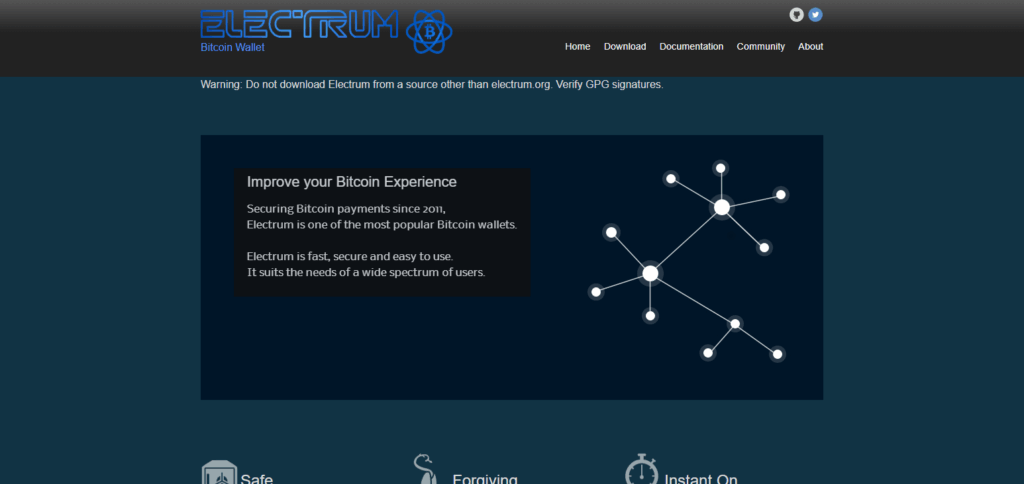
One major advantage that Electrum has over other wallets is that it lets users connect to remote servers which do complex work on Bitcoin systems while freeing up users.
Also, Electrum supports advanced features such as multi-signature wallets, interaction with hardware wallets, and offline storage. For users who want to have open-source software without spending too much system resources electronically, Electrum acts as a great tool.
Electrum Wallet Overview
| Feature | Details |
|---|---|
| Wallet Type | Software (Desktop & Android) |
| Supported Cryptocurrencies | Bitcoin (BTC), Bitcoin Cash (BCH), Litecoin (LTC), Dash (DASH), Digibyte (DGB) via forks |
| Launch Year | 2011 |
| Platform Compatibility | Windows, macOS, Linux, Android (no iOS) |
| Private Key Control | Yes (user controls private keys locally) |
| Backup Method | 12-word seed phrase |
| Security Features | Password protection, multi-signature support, hardware wallet integration |
| Lightning Network | Supported (for fast, low-cost BTC transactions) |
| User Interface | Simple and lightweight (classic desktop-style design) |
| Open Source | Yes (code available for public review) |
| Fee Customization | Manual fee adjustment available |
| Mobile Access | Android app available via Play Store or APK |
How to Set Up & Use Electrum Crypto Wallet?
Getting the Wallet: For Electrum users, navigate to their site, and download based on your OS—Windows, Mac or Linux.
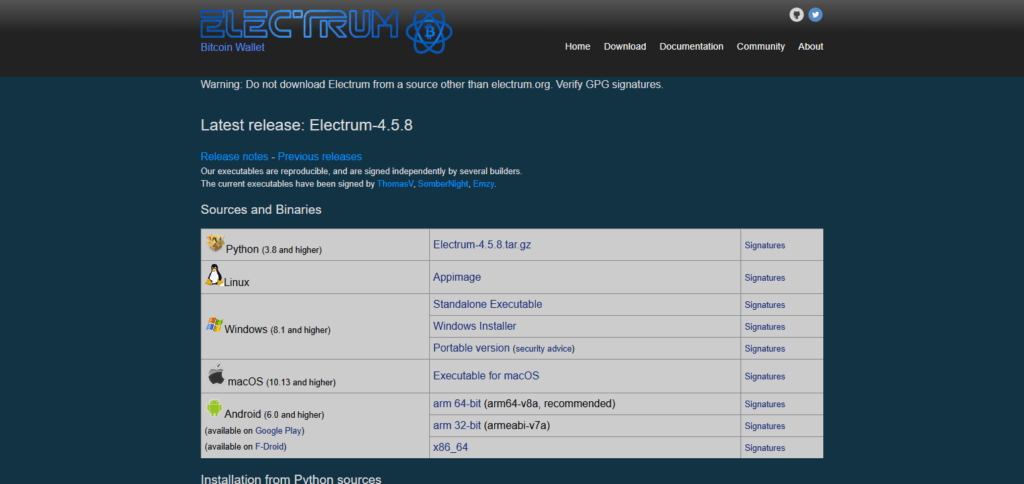
Software Installation: Open the file you have downloaded and follow the requisite steps to ensure proper installation on your computer.
Electrum Startup: From the applications or programs menu of your system, locate and open Electrum.
Start New Wallet Configuration: Click “Create a New Wallet.” Select “Standard Wallet,” then hit “Create a new seed.”
Store Seed Phrase Securely: Make sure your 12-word recovery phrase is kept safe offline as steps incorrectly taken here could lead to recovery challenges down the road.
Setting Strong Passwords: To keep uninvited guests away from your wallet, always strengthen password protection especially if financial assets are held.
Adjustable Wallet Types: You can opt for whatever suits you best out of Standard wallets, SegWit wallets or Multi-signature wallets.
Server Connection: Either let Electrum auto-connect to a server or use one of the provided options manually.
Bitcoin Reception Steps: Share your wallet address found under “Receive” tab and cashed payments will be deposited in a click’s notice.
Transmitting Bitcoin Instructions: Interactively move funds using the ‘Send’ tab detailing recipient’s information including address alongside designated sum plus transaction fee calculated prior finalization
Backup Your Wallet: Safeguard your seed phrase and wallet file to facilitate recovery when it is needed.
Use Advanced Features (Optional): Further protect your funds by using multi-signature and integrating with hardware wallets.
Electrum Crypto Wallet Features
Fast and Lightweight
No need to download hefty files, making Electrum fast and simple to use as it utilizes remote servers for blockchain data processing.
Private Key Control
Private keys under user control are encrypted, ensuring they can never leave the device.
Seed Phrase Backup
Lost wallets can easily be restored due to being locked with a 12 word recovery seed.
Multi-Signature Support
Shared multi-sig wallets can be created for greater protection or shared access.
Hardware Wallet Integration
Already popular hardware wallets such as Trezor, Ledger, and KeepKey can seamlessly integrate into it.
Cold Storage Support
Bitcoin can be stored offline for enhanced security.
Customizable Fees
Users have the option to set their transaction fees with customized limits and estimated costs realtime.
Open-Source Software
Code from the community is accepted and audited regularly meaning it is transparent which makes it trustworthy.
Mobile and Desktop App
Using the desktop version of Electrum wallet is straight forward and simple. During use, users will find windows arranged like in Windows 95.
However, key functions such as sending, receiving Bitcoins, viewing history, or generating payments can be done on the dashboard. In addition to being able to receive bitcoins, Bitcoin transfers are cheap due to the lightning network integration.
Only Android users have access to Electrum mobile’s app. It can either be accessed through Google Play Store or downloaded via an APK file. The app has a lightweight design which improves functionality while ensuring ease of use and ironclad security.
Electrum Crypto Wallet Supported Coins
Electrum is primarily built to support Bitcoin (BTC) and Bitcoin Cash (BCH). Nevertheless, also supports other cryptocurrencies that are coded similarly to Bitcoin.
This includes Litecoin (LTC), Dash (DASH), and Digibyte (DGB), and can be kept and administered with adjusted Electrum wallets for each respective coin.
Electrum Crypto Wallet Vs Exodus Wallet Comparison
| Feature | Electrum Wallet | Exodus Wallet |
|---|---|---|
| Launch Year | 2011 | 2015 |
| Wallet Type | Software (Desktop & Android) | Software (Desktop & Mobile) |
| Supported Cryptos | Primarily Bitcoin + forks (e.g., LTC, DASH via forks) | 260+ cryptocurrencies |
| User Interface | Minimalist, technical (Windows 95 style) | Modern, user-friendly design |
| Private Key Control | Yes, fully user-controlled | Yes, with built-in backup options |
| Seed Backup | 12-word recovery phrase | 12-word recovery phrase |
| Lightning Network | Supported | Not supported |
| Multi-Signature Support | Yes | No |
| Hardware Wallet Support | Yes (Trezor, Ledger, etc.) | Yes (Trezor only) |
| Mobile App | Android only | iOS and Android |
| In-Wallet Exchange | No (requires third-party service) | Yes (built-in crypto swap feature) |
| Custom Transaction Fees | Yes (manual adjustment) | Limited (partially adjustable) |
| Best For | Advanced users, Bitcoin-only users | Beginners and users with diverse crypto portfolios |
Electrum Wallet Security
Electrum is a Bitcoin wallet that prioritizes Bitcoin transaction speed and security. Like any good crypto wallet, Electrum has features that make it secure as well as safe for trusting personal Bitcoin holdings.
Users are allowed to setup wallets using simple 12-word phrases which serves double as seed words used to recover devices. Users must ensure these phrases are backed up offline and fully secured out of reach from potential access.
While built-in Two Factor Authenticator (2FA) isn’t enabled by default on Electrum wallets, users can add via Google Authenticator or Yubikey. The wallet also supports cold storage, multi-signature setups, and strong encryption with AES-256-CBC standard.
To protect fake servers from spoofing real Electrum wallets , Electroim verifies server SSL certificates during server authentication. Escaping user IP addresses and hiding them while transacting is possible since Tor can be used.
Electrum Wallet Pros & Cons
| Pros | Cons |
|---|---|
| Fast and lightweight | User interface looks outdated for some users |
| Full control over private keys | No official iOS app |
| Strong security features (seed phrase, encryption) | No built-in two-factor authentication (requires plugins) |
| Supports multi-signature wallets | Limited support for cryptocurrencies beyond Bitcoin and forks |
| Compatible with popular hardware wallets | Setup can be complex for beginners |
| Lightning Network support for low fees | No integrated exchange feature |
| Open-source and regularly audited | Desktop-focused; mobile app only on Android |
| Supports Tor for enhanced privacy | Requires manual server connection choices |
Electrum Wallet Alternatives
SAFEPAL S1
SafePal S1 is an offline cryptocurrency wallet that supports wallet integrations like Electrum and allows users to manage their stored Bitcoin securely.

Unlike other software wallets, SafePal S1 offers the convenience of physical device security paired with Electrum’s trusted Bitcoin management so that users can access their private keys while avoiding online risks.
Its innovative combination of portable hardware protection together with easy use of Electrum makes it suitable for users looking for safe yet handy ways to store Bitcoins.
ELLIPAL Titan
The Ellipal Titan is an optimized hardware wallet specifically made to keep cryptocurrencies safe and secure while Also storing them offline. It also supports Electrum Wallet integration which allows for Bitcoin management.
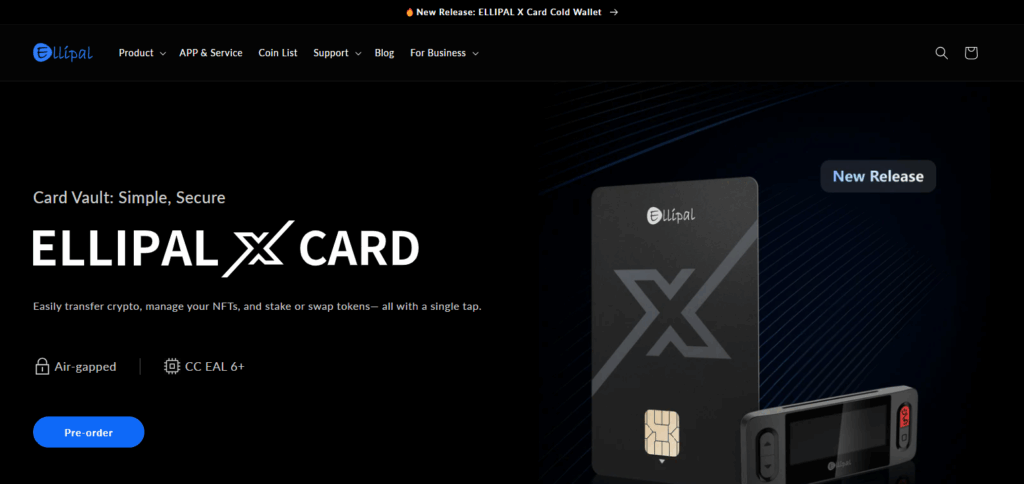
Unlike a majority of software wallets, the Ellipal Titan not only brings security in terms of physical devices, but also provides users with the safety offered by Electrum’s reliable Bitcoin handling systems.
This means that users are able to gain full control of their private keys without being vulnerable to online dangers. The combination of ease and portability makes this product favorable for users who want high level security.
Customer Support and Ease of use
Electrum does not have a specialized customer support center. It has a help section where users can report problems, check for software updates, and access official links.
For help or questions, users usually visit community forums like BitcoinTalk or use Twitter and Reddit. In spite of all this, Electrum is straightforward to set up and use. Its interface is minimalistic, displaying crucial functions that even beginners require.
Conclusion
To wrap up, Electrum Wallet is a great option for Bitcoin users who need security, control, and fast transactions.
It is lightweight, encrypted with powerful algorithms, offers multi-signature support, and even integrates the Lightning Network which is helpful for both advanced and newer users.
Even though it does not provide customers with modern interfaces or supported specialists to attended overdue tickets dedicated to client relations, people still prefer out of reputation and safety offered through its open-source system.
FAQ
Is Electrum safe to use?
Yes, Electrum uses strong encryption, a 12-word seed phrase for backup, and supports multi-signature and hardware wallets for added security.
Does Electrum have a mobile app?
Yes, but only for Android devices. There is no official iOS version available.
Is there customer support for Electrum?
Electrum does not have dedicated customer support but provides a help section and relies on community forums like BitcoinTalk and Reddit for user assistance.