


This article analyzes the Best AI Productivity Apps for Students and Professionals. I include a description of core functionalities and the impact these apps have on AI capabilities and workflow automation in research, writing, task and time management, note-taking, and schedule planning.
As a student, you can use these apps to boost your professional performance; as a business professional, you can use the apps to help you work more efficiently and productively.
What is AI Productivity Apps?
AI productivity apps leverage the power of AI to help users get more work done during a dedicated time period and to work with less effort in a more productive and efficient manner. Using complex AI technology like machine learning and natural language processing, these apps are able to perform tasks like work automation, content generation, and document summarization.
These apps can also aid with time and task management, note and document organization, workflow automation, writing enhancement, and even research tasks. The use of AI productivity apps has helped students do research, take smarter and more efficient notes, and complete assignments in less time.
For professionals, these apps help with task and project management and communication, as well as the automation of business functions and generation of business-related documents.
The evolution of AI alters the tedious and manual tasks to a more efficient and creative way of getting work done, helping users maximize their time by helping them get work done faster, with greater accuracy, along the way.
Why Choose AI Productivity Apps for Students and Professionals
Automate Standard Tasks
With AI, repetitive tasks like scheduling, meeting notes, data entry, emails, and formatting are automated so that users can engage in productive work.
Smarter Research
AI tools that include Perplexity AI and Google NotebookLM helps with smarter research by summarizing, analyzing, interpreting, and providing insight to information so that users can spend less time looking for answers.
Quality Writing
Writing improvements with grammar, structure, writing style, and overall written communication are included in professional and academic writing as a result of the use of AI tools like Grammarly and Claude.
Streamlined Organization
AI tools assist with the organization of tasks, whether personal or professional. These tools help consolidate projects, meetings, and deadlines.
Learning Retention
Anki strengthens memory through spaced repetition for improved retention so that users are better prepared for testing and learning for skill-building is enhanced.
Task Automation
Zapier reduces the need for human intervention, and thus errors, by connecting apps and performing tasks automatically.
Improved Time Management
AI tools like Motion can balance time and help meet scheduling goals by prioritizing tasks and time.
Enhanced Decision-Making
AI tools offer the ability to evaluate data and spot trends in order to give users the insight necessary to make quality decisions.
Benefits Of AI Productivity Apps for Students and Professionals
Increased Productivity: Users of AI productivity apps have more time during the day to complete other tasks because the apps automate routine tasks that clearly increase the efficiency of the users.
Time-Saving: Features like automated AI scheduling, document summarization, automated email drafting, and many more all help to use less time completing tasks that have to be done repeatedly.
Research and Learning Aid: The ability to easily access information, have research papers summarized, and have difficult subjects and concepts explained to you is a productivity aid to students and helps professionals gain business insights more quickly.
Writing and Communication Aid: AI writing assistants help to produce more formal and professional emails, reports, and presentations as well as help to increase writing and communication clarity and improve grammar and spelling.
Task Management Aid: AI planning and project management apps assist with task prioritization and project tracking.
Repetitive Work Automation: Automation of workflows reduces the burden of tasks like data entry, manual filing, notification generation, and application syncing.
Time Management Aid: Smart planning apps help to optimize the goals and priorities of a user, especially with automated task and deadline prioritization.
Better Decisions: Each advanced analytical AI task helps to generate new academic or business insights that help to guide better and more informed decisions.
Collaboration Aid: Most productivity apps have features that help improve productivity within a collaborative context.
Error Reduction: AI tools enhance the quality of written work, calculations, scheduling, and document management as they provide confidence to users to produce less erroneous work.
Key Point & Best AI Productivity Apps for Students and Professionals
| AI Productivity App | Key Points |
|---|---|
| Perplexity AI | AI-powered answer engine that provides real-time web search, cited sources, research summaries, and quick fact-based responses for students and professionals. |
| Google NotebookLM | AI research notebook that organizes documents, summarizes notes, answers questions from uploaded files, and generates study guides and podcasts. |
| Claude | Advanced AI assistant for writing, coding, brainstorming, document analysis, long-context conversations, and professional content creation with strong reasoning capabilities. |
| Grammarly | AI writing assistant that checks grammar, spelling, punctuation, clarity, tone, plagiarism, and style while improving professional and academic writing. |
| Todoist | Smart task management app with AI-assisted task organization, recurring reminders, project collaboration, priority labels, and productivity tracking. |
| Motion | AI-powered calendar and scheduling tool that automatically prioritizes tasks, plans meetings, optimizes daily schedules, and adjusts workloads in real time. |
| NoteGPT | AI note-taking platform that summarizes YouTube videos, PDFs, articles, presentations, and web pages into concise notes and study materials. |
| Notion AI | Integrated AI workspace that helps create documents, summarize meeting notes, generate content, manage projects, automate workflows, and organize knowledge. |
| Anki | Spaced repetition flashcard app that uses scientifically proven memory techniques to improve long-term learning, exam preparation, and language study. |
| Zapier | No-code automation platform that connects thousands of apps, automates repetitive workflows, synchronizes data, and saves time for businesses and individuals. |
1. Perplexity AI
Perplexity AI is an ideal application for students and professionals. It packs an excellent AI search with real time web data. Answering questions is far superior.
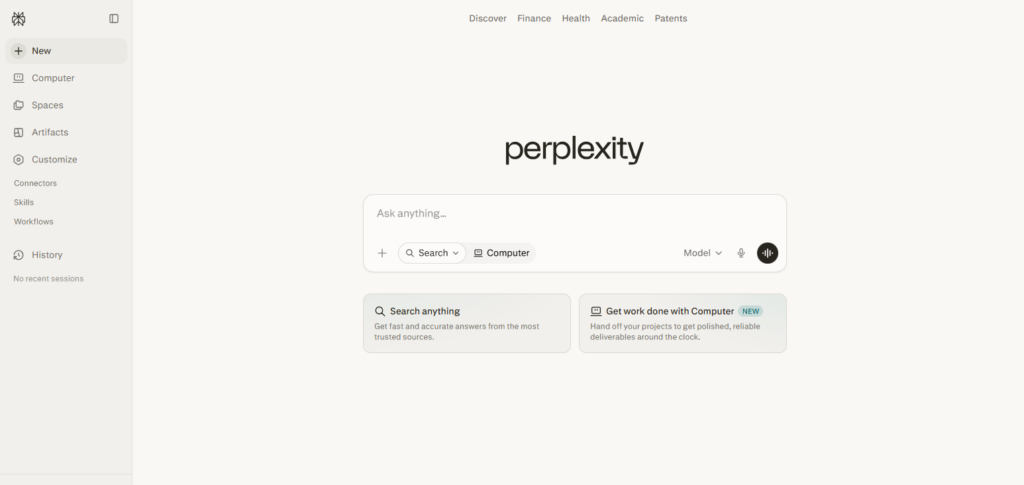
Unlike “normal” search engines, Perplexity AI” cites sources. Answering questions helps students tackle and clarify complex topics. Perplexity AI” helps students summarize papers, prepare assignments, and check facts with sources.
Everything helps professionals do market research, insights, and analysis. Perplexity AI” saves time generating summaries, cites sources, research, and answers any number of questions. Its AI chat, citations, document analyzation, and web search features helps the research process immensely.
Perplexity AI Features, Advantages & Disadvantages
Features
- Searches with AI and analyzes results in real-time
- Cites sources
- Summarizes articles, PDFs, and web pages
- Supports follow-up conversational queries
- Adds multiple AI models for extensive research
Advantages
- Invaluable research tool
- Citing sources adds credibility
- Saves time on an ordinary search
- Particular use for students and workers
- User-friendly conversational search tool
Disadvantages
- Paid subscription required for premium features
- Summaries may be inaccurate
- Searches require Internet
- Little to no flexibility for specialized searches
- Reliability of sources is based on the website
2. Google NotebookLM
Google NotebookLM is an AI-powered assistant that helps users to conduct research, and organizes and helps users understand information found in their own documents. Students can now upload lecture notes, textbooks in their print copies and in PDF format,
Google Docs, and research papers, and receive tailored summaries, explanations, and even study aids. Professionals can now use this tool to analyze reports, meeting notes, and business and project documents without having to painstakingly sift through hundreds of pages.
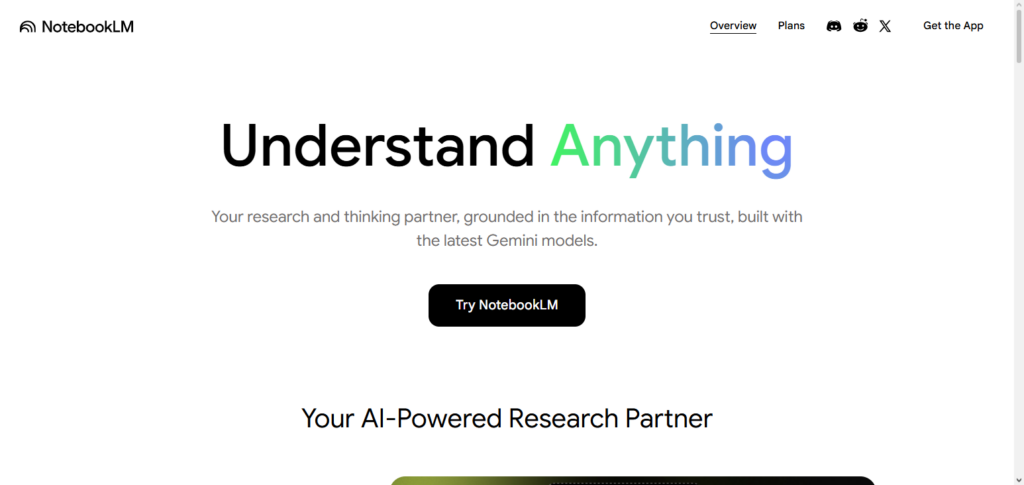
When researching and learning complex concepts and ideas, Google NotebookLM reduces the misinformation that is common from external sources by answering questions solely based on the information the user has uploaded.
It can produce timelines, FAQs, briefing docs, and audio overviews. The deep integration with Google Workspace dramatically increases the efficiency of document management and the learning process assisted by AI.
Google NotebookLM Features, Advantages & Disadvantages
Features
- AI notebook for uploaded docs
- Summarizes and creates study guides
- Answers questions based on your docs
- Creates audio overviews from documents
- Great integration with Google Workspace
Advantages
- Awesome for study or research help
- Answers are based on your uploaded info
- Formats multiple documents
- Good for organizational and collaborative help
Disadvantages
- Requires a Google account
- Limited to Google software and apps
- Answers are based on the quality of your docs
- Extra features have usage caps
- Less helpful for general web searches
3. Claude
Claude is an impressive AI assistant due to its reasoning, writing, and even document analysis skills. Students explain tough topics to Claude, solve school problems, enhance essays, summarize articles, and even generate ideas for school projects.

Claude is used by professionals too to draft reports, analyze contracts, review business documents, write marketing copy, and even code. During document-heavy workflows, Claude is great for keeping context for long, document-related conversations.
Claude is especially great for working with books, legal documents, manuals, and research papers. Claude’s productivity and document analysis skills are unmatched, and are an amazing tool that everyone should try.
Claude Features, Advantages & Disadvantages
Features
- Advanced AI writing and reasoning
- Analyzes documents with extended-capture
- Assists with code and debugging
- Supports multilingual conversations
Advantages
- Great quality natural writing
- Very large documents are no issue
- Excellent reasoning logic
- Very useful for Academic Projects and Business Tasks
- Generates detailed explanations
Disadvantages
- Powerful Features only unlocked in Premium plans
- Compared to Search engines, Live Web Browsing is limited
- Can generate inaccurate information at times
- Limited plans for free users
- Always requires an Internet connection
4. Grammarly
Grammarly is the best AI writing assistant and helps users write content that is professional and free of errors. School users improved their essays, assignments, papers, and applications by using Grammarly to fix errors in grammar, spelling, punctuation, and even sentence structure.
Grammarly is the go-to writing assistant of choice when writing school emails, reports, presentations, proposals, and other business writing. During the writing process, Grammarly thinks of and suggests improvements to writing that enhance the writing’s clarity, tone, and even the writing’s engagement and ease of reading.
Grammarly makes and keeps writing in all academic or business writing clear and professional by integrating with all writing platforms, Microsoft Office, Google Docs, and even a ton of productivity tools.
Grammarly Features, Advantages & Disadvantages
Features
- Spelling and grammar check
- AI-based writing suggestions
- Draft edits for tone and clarity
- Check for Plagiarism
- Integrations for browser and Office
Advantages
- Instant writing quality improvement
- Save editing time
- Good writing assistant
- Integrations are simple and helpful
- Good for students and for professionals
Disadvantages
- Premium version is costly
- AI edits can suggest lines that change the meaning of the draft
- Subscription required for Plagiarism check
- Limited offline
- AI writing suggestions are ineffective for very Technical writing
5. Todoist
Todoist is a sophisticated task management application that allows users to systematically manage and organize their personal and professional tasks. Students utilize Todoist to manage their schedules, create task lists for upcoming assignments, plans for upcoming tests, and deadlines for tasks/projects.
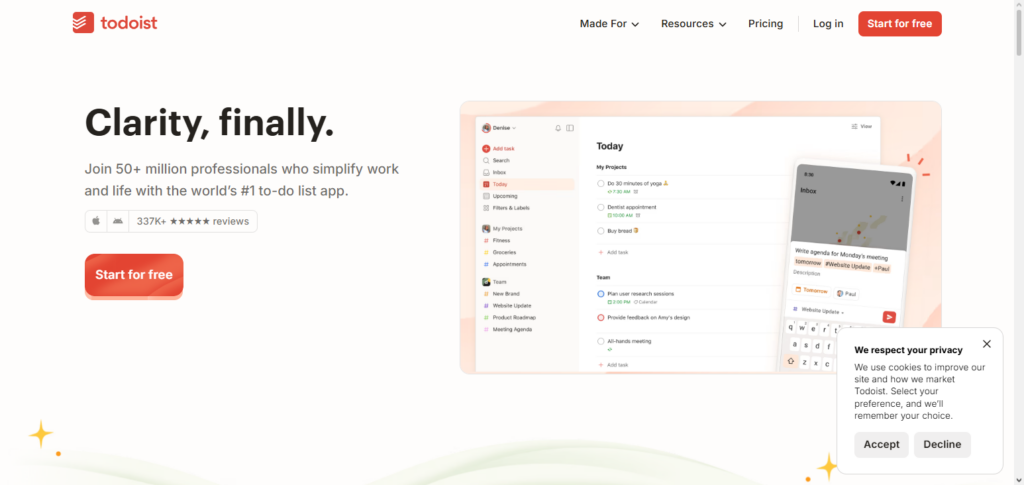
Professionals use Todoist to manage their work tasks, manage their work-related teams, manage work projects, and manage deadlines for clients. As one of the leading AI productivity applications for students and professionals, Todoist uses smart task recommendations, task prioritization, reminders, productivity metrics, and task/project grouping to aid users in managing their work.
Users can divide work into tasks and subtasks, assign due dates, share work with team members, and view work from any device. Todoist’s clean and intuitive design boosts user productivity, and the cross-platform synchronization ensures deadlines are never missed.
Todoist Features, Advantages & Disadvantages
Features
- Smart Task Management
- Organizing Tasks into Projects
- Scheduling Tasks
- Setting Task Priorities
- Collaboration
Advantages
- Simple and Clean UI
- Works on all devices
- Excellent project management
- Flexible organization of tasks
Disadvantages
- Premium plan required to access advanced features
- Built in AI is less useful and prolific as competitors
- Limited Reporting and High Manual work to set up complex projects
- Less Automation than Enterprise Apps
6. Motion
Motion is an AI-powered scheduling application that builds daily schedules automatically and optimally based on what needs to be done, what is on the calendar, and what is due when. Students use Motion to schedule their classes, organize task lists, and schedule time for extracurricular activities and personal activities.
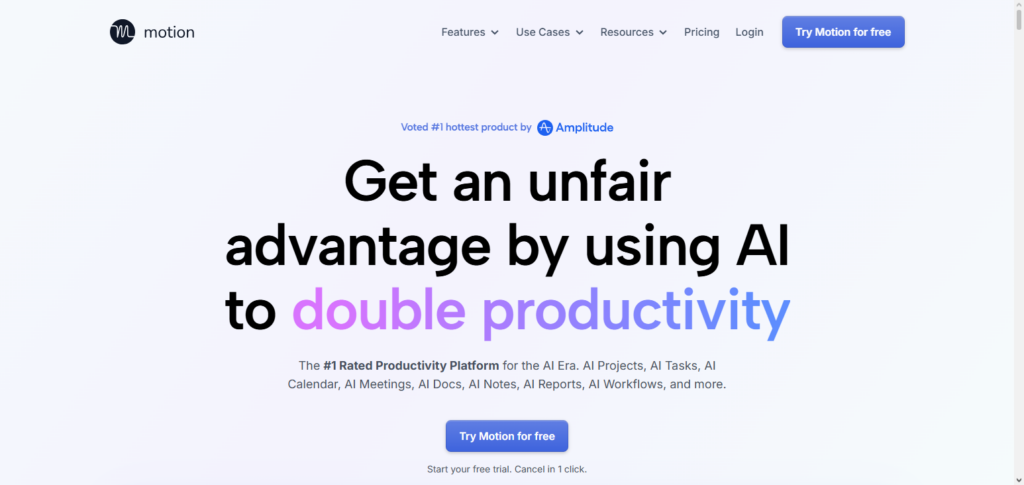
Professionals use it to schedule work projects, manage meetings, organize work, and manage deadlines. During busy workdays, Motion automatically adjusts schedules for users when time needs to be prioritized for a different task.
The application combines task management, calendar management, and automated scheduling all within a single workspace for team collaboration. Motion’s AI functionality limits task scheduling conflicts while maximizing productive focus.
Motion Features, Advantages & Disadvantages
Features
- AI Scheduling
- Smart Task Prioritization
- Dynamic Task Management
- Priority labels and reminders
- Team collaboration support
Advantages
- Hours of planning wasted
- Time Management Highly Improved
- Tasks get automatically scheduled
- Easy project management
- Flexible task organization
Disadvantages
- Great for time management
- Targeted for the busy professional
- Premium software
- New users have to ‘learn’ the software
- Heavy reliance on calendar accuracy
- Limited offline capabilities
- Best used for personal productivity
7. NoteGPT
NoteGPT is an AI note-taking and summarization software. Students can use it to summarize YouTube lectures, PDFs, scholarly articles, PowerPoint slides, and web pages to generate study notes. It is also used by professionals to summarize key insights from webinars, trainings, reports, presentations, and online business documentation.
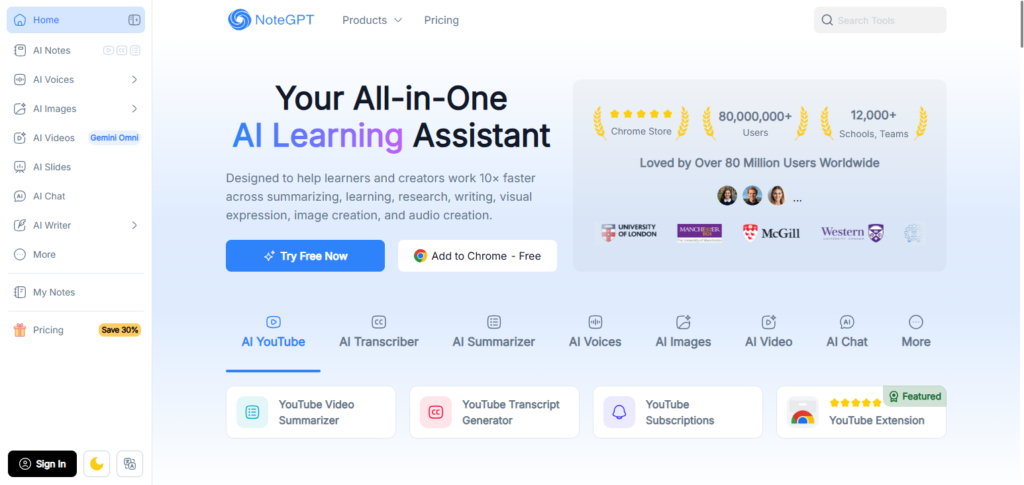
During the learning process, NoteGPT identifies concepts, creates summaries, suggests action points, and formats notes, all in a time saving manner.
It also improves retention by reducing time spent on manual note taking. It c LT educational and professional content into a format that improves productivity by simplifying content for users who wish to learn continuously.
NoteGPT Features, Advantages & Disadvantages
Features
- Summarizes notes via AI
- Summarizes YouTube videos
- Analyzes PDFs and articles
- Generates presentation notes
- Extracts important points
Advantages
- Great for time savings with research
- Summarizes notes for study efficiently
- Easy to organize notes
- Good for exam prep
- Works with many different content types
Disadvantages
- Premium features cost money
- Quality of notes with summarization is based on the source
- Summarization requires internet
- Summarization and notes have limited editing
- Good for summarization but may miss detail
8. Notion AI
The popular workspace tool Notion now has an AI writing, organizing, and knowledge management integration with the addition of Notion AI. Students use it to organize their notes, create study schedules, lecture summaries, and to manage research.
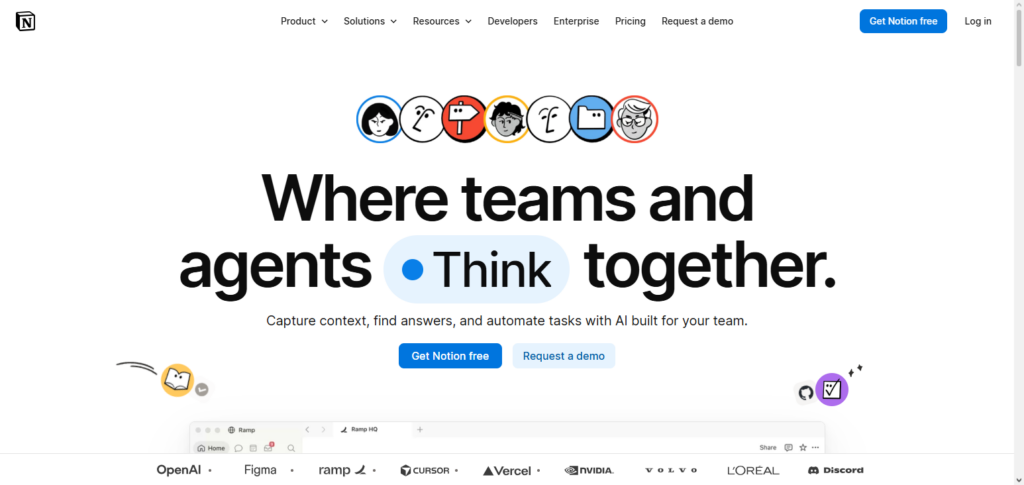
Professionals use Notion AI to help with document creation, project management, meeting summaries, content creation, and brainstorming.
It is one of the best AI apps for productivity for both students and professionals because of its ability to automatically draft content, edit/rewrite content, summarize lengthy documents, and extract action items. Its flexibility with its design, task management, and AI functionalities makes it a productivity hub for both educational and business applications.
Notion AI Features, Advantages & Disadvantages
Features
- Assistant for writing via AI
- Summarizes documents
- Organizes a knowledge base
- Automates tasks and workflows
- AI for Project Management
Advantages
- A productivity tool for all
- Great for teamwork
- Customization
- Reduces documentation time
- Personal and team use
Disadvantages
- Software learning curve for new users
- Paid Premium AI features
- Large workspaces can get messy
- Advanced features have learning curve
- Limited ability to work offline
9. Anki
Anki is an innovative flashcard app using spaced repetition to assist the memorization of information. It is especially beneficial to students studying for advanced, competitive, or medical exams, or those learning a new language or wishing to acquire a new certification.
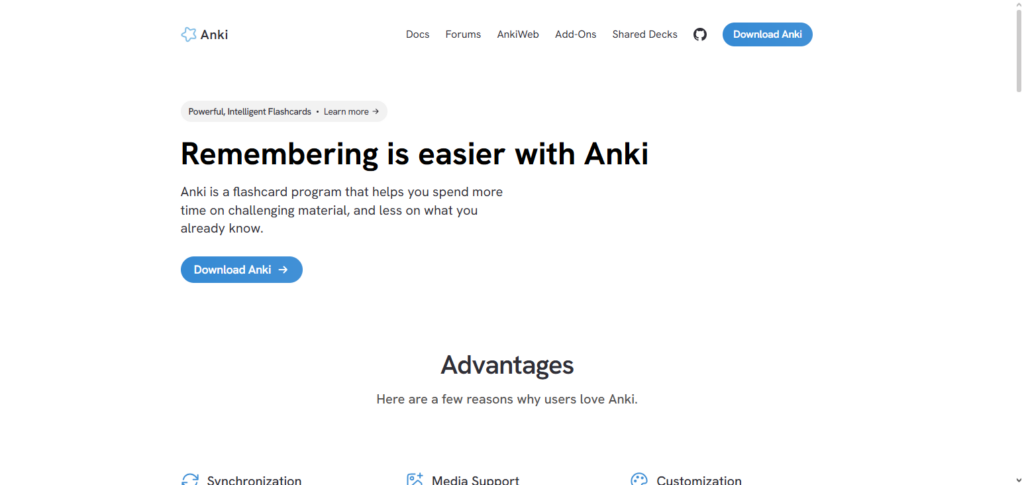
Other professionals use Anki to retain new information pertaining to their field, technical concepts, or new terminologies, as well as to keep their professional certifications active. When combined with the Best AI Productivity Apps for Students and Professionals,
Anki is more effective than traditional flashcard systems, as it uses spaced repetition to determine when a user is ready to be tested on a piece of information, while traditional methods use fixed time intervals. Users can input custom information in the form of images, audio, or video. This flexibility adds to the ease of use of the application.
Anki Features, Advantages & Disadvantages
Features
- Spaced repetition learning
- Custom flashcards
- Multimedia support
- Cross-device synchronization
- Progress tracking
Advantages
- Scientifically proven learning method
- Excellent memory retention
- Highly customizable flashcards
- Free on many platforms
- Ideal for long-term learning
Disadvantages
- Outdated user interface
- Initial setup takes time
- Limited collaboration features
- Not ideal for project management
- Mobile app may require purchase on some platforms
10. Zapier
Zapier is a no-code automation application. It allows users to connect different applications to automate workflows. Students can use this app to reduce the burden of repetitive tasks, such as filing documents or sending notifications through different applications.
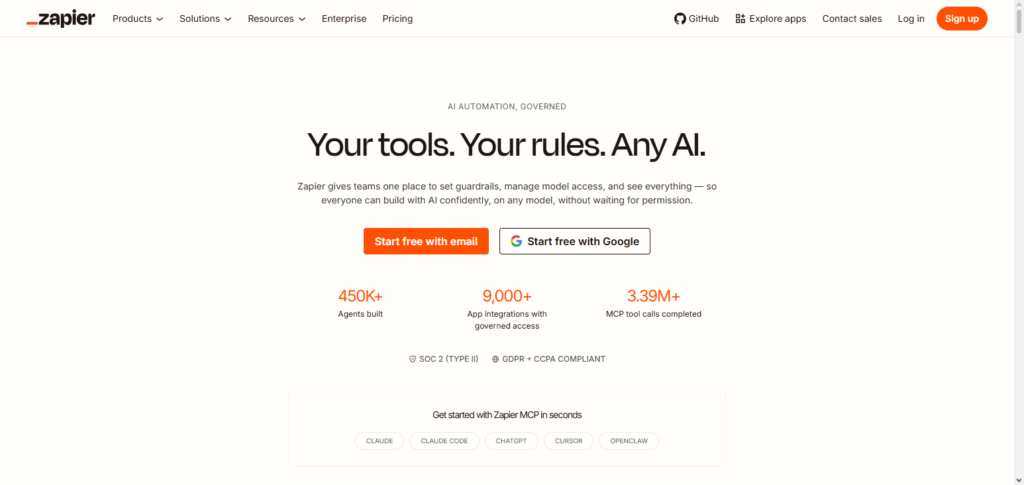
Zapier is even more useful to professionals. This app makes it easy to automate tasks pertaining to document approval, customers, marketing, lead generation, reports, and more.
Users love Zapier for the vast array of interfaces it integrates with. It makes work faster, reduces effort, increases accuracy, and allows users to spend time on more important tasks, rather than mundane administrative tasks.
Zapier Features, Advantages & Disadvantages
Features
- No-code automation
- Work with 1,000s of apps
- Create multi-step automation
- AI tools for automation
- Custom workflows
Advantages
- Removes repetitive work
- Save time with automations
- Work with lots of apps
- No coding needed
- Improve your business
Disadvantages
- Premium plans cost a lot
- Automations take time to setup
- Some automations are limited
- Free plans have limits on tasks
- Advanced automations can be hard to fix
Conclusion
The best AI productivity apps for students and professionals can redefine how you learn and work as well as how you balance the tasks and responsibilities that make up your day. There are tools that specialize in different areas.
Are you in need of AI backed research? Try Perplexity AI. Would document analysis be a game changer for you? check Google NotebookLM and Claude. Need help with writing? Check Grammarly. How about task management? Consider Todoist or Motion.
Smart note taking? Look into NoteGPT or Notion AI. The best way to analyze which tools would be most beneficial is to consider your goals, work requirements, and study habits.
Using AI productivity apps can help accomplish your immature tasks so you can organize, collaborate, and most importantly, learn and do work that is high value. The future looks bright as tools that incorporate AI will be more intelligent. Being productive has never been quicker, easier, or smarter.
FAQ
What are the best AI productivity apps for students and professionals?
Some of the best AI productivity apps include Perplexity AI, Google NotebookLM, Claude, Grammarly, Todoist, Motion, NoteGPT, Notion AI, Anki, and Zapier. These tools help with research, writing, task management, note-taking, scheduling, learning, and workflow automation.
Which AI app is best for academic research?
Perplexity AI and Google NotebookLM are excellent choices for academic research. Perplexity AI provides real-time answers with cited sources, while Google NotebookLM helps users analyze and summarize their own uploaded documents, research papers, and notes.
What is the best AI app for managing tasks and schedules?
Todoist is ideal for organizing tasks and projects, while Motion automatically creates AI-powered schedules based on deadlines, priorities, and calendar availability to help users manage their time efficiently.
Which AI productivity app is best for note-taking?
Notion AI and NoteGPT are top choices for note-taking. Notion AI organizes notes, documents, and projects with AI assistance, while NoteGPT summarizes YouTube videos, PDFs, presentations, and articles into concise study notes.