

This article offers a comprehensive guide on the safe use of AI assistants and the protection of personal and professional privacy.
Topics discussed include the data collection methods of AI tools, prominent privacy threats, essential security features, and privacy protection methods. You will also learn about the best methods of using AI in a responsible manner that protects digital privacy.
What Is AI Privacy and Why Does It Matter?
AI privacy means safeguarding personal and highly sensitive information while utilizing AI tools like chatbots, assistants, and productivity software. Each instance of you engaging with an AI may enable the assistant to store, process, or analyze your messages and/or data openly, privately, or in between, as per the terms of service and/or privacy policy.
AI privacy is important because this data may contain personal and private financial, business, and intellectual data or documents that need to be protected. It is important to know how AI tools and services shape the data you provide them with.
Balancing this knowledge with sound privacy and security practices, and utilizing AI services you personally verify and trust, helps you enjoy the benefits of AI while protecting you from being exposed to a data breach, identity theft, hacking, and other risks associated with cybersecurity.
How to Protect Your Privacy When Using AI Assistants Safely

Step 1: Trusted AI Assistant
The first step is to begin using tools provided by AI companies that you can trust because they have strong security and privacy practices. Before setting up an account, check how they handle, collect, and store data. Trusted AI companies offer security features like privacy controls, protections for accounts, and encryption to better secure your information.
Step 2: Check Privacy Policy
Privacy policies are usually long and tedious, but you should check how the company will handle your information. Check if your company’s logs will be stored, for how long, if they can be used to further train AI models, if they can be used to update the company’s AI models, if there is an opt-out option, etc.
Step 3: Avoid Sensitive Info
You should never provide your passwords, bank info, credit/debit card information, SSN, healthcare/medical info, personal business documents, personal addresses, etc. If you need assistance generating sensitive info, use an AI tool, you can use placeholders and anonymous info in place of identifying info.
Step 4: Strong Passwords
Always use unique passwords that are strict and complex to secure your account, you should avoid using the same password for multiple accounts. Use a password to help keep your information safe, passwords should be made of upper/lower case letters, numbers, and special characters. Consider using a password manager.
Step 5: Turn on 2FA
Two-factor authentication can (and should) be turned on for all your AI accounts. This improved security option requires a second verification, for example, a timed security code or a code provided by an authentication app. This extra measure greatly increases the difficulty for attackers to gain unauthorized access.
Step 6: Adjust Privacy Settings
AI systems tend to give users control over their data. Check that control regularly and adjust the system’s data collection preferences, chat history, personal data to feature correlation, and system permissions to be the most private.
Step 7: Delete Chat History
Most digital assistants allow the storage of conversation history. Delete any history that contains private data. History can usually be set to not be stored or can be periodically set to be erased.
Step 8: Be Selective with File Uploads
Edit documents, spreadsheets, presentations, images, or PDFs to remove private data before upload. Do not upload contracts, customer lists, financial reports, source code, or any sensitive files unless you know how the system manages your files.
Step 9: Update Your AI Apps
Update installed AI systems and add-ons regularly. Updates close security holes for the threats known at the time.
Step 10: Verify Allowed App Permissions
Review the permissions settings for the AI applications installed on your phone or computer. Shared data like your microphone, camera, location, contacts, and files should be granted on an as needed basis only. To limit unnecessary data exposure, revoke previously granted permissions that are no longer needed.
Step 11: Validate AI Provided Data
Do not depend on only the data provided by an AI for making decisions related to the legal, healthcare, finance, or commerce domains. Validate the data against other trusted information sources to prevent the risk of making poor decisions based on data Automated Intelligence provides which is inaccurate or insufficient.
Step 12: Sign Out on Accessed Shared Devices
If you access any AI assistant from a public or shared computer, always sign out from your account once your session is done. For added protection against unauthorized access, clear the browser session cookies and cached data.
Step 13: Keep an Eye on Your Account
Periodically check your account for anything that is out of the normal for login access, for devices that you did not authorize, or for activities that you did not perform. If you notice anything suspicious, immediately change your password, revoke all sessions, and change your access settings.
Step 14: Keep Up to Date with Privacy Notices
Frequent changes are made for the AI platforms to improve their privacy and security features. By keeping up to date you will know how your data is used and you will be able to adjust your settings to protect your data.
Step 15: Practice Safe AI Usage Every Day
Protecting privacy means remaining vigilant and developing new habits. Remain thoughtful about what prompts you submit and avoid sharing sensitive information. Use AI platforms you know to be trustworthy. Create strong security for your accounts. Review your privacy settings regularly. Following these habits allows you to keep your information safe while enjoying AI.
Benefits of Following AI Privacy Best Practices
Keeping Your Data Safe: AI privacy best practices will keep your sensitive data, like passwords, financial data, personal data, and private conversations, safe and out of reach of prying eyes.
Less Likely to be a Victim of Identity Theft: Sharing less personal data with AI tools means less data available to cybercriminals to steal your identity and violate your privacy.
Less Chance of Financial Crime: Not sharing your financial data, like bank details and credit cards, reduces the chances of financial crime and losing money.
Protects Sensitive Business Data: With responsible and secure AI use, individuals, businesses, and organizations can safeguard their sensitive business data, like proprietary data, client files, contracts, and other business files.
Account Safety is Increased: Access to your AI accounts is made much harder with the use of strong passwords, the use of 2-Step Verification, and monitoring the safe use of your accounts.
More Control Over Your Data: Managing your privacy settings and chat history gives you control over how your data is kept, how it is shared, and how long it is kept.
Reduces the Risk of Data Leaks: Being careful about what you prompt, file uploads, and what you share, lowers the risk of leaking sensitive and private data.
Increases Confidence to Use AI: Following privacy best practices helps users feel more confident in using AI to accomplish work-related, educational, and personal tasks.
How AI Assistants Collect Your Data
To help AI assistants provide you with the responses you want and to help them tailor their functionalities to your needs, they collect data in a few different ways. The data they collect can include the prompts you type, the documents and images you upload, voice recordings, and some basic account information.
This basic account information may include your email address and device information. To improve the performance and security of their AI, many different AI platforms collect even more technical data like your IP address, the type of browser and operating system you use, and the ways you use their platform.
Depending on the AI platform and how you configure your privacy settings, some of your conversations may be stored to maintain a history, troubleshoot errors, or improve AI results.
Because data collection practices are different for each AI provider, you should always configure your privacy settings and investigate each privacy policy. This helps you understand what data is collected, how it is used, and how long your data is kept.
Best Privacy-Focused AI Assistants
1. ChatGPT
- Privacy controls allow chat history and data management.
- Conversations can be deleted, and stored data can be modified.
- Two-factor authentication (2FA) can be used for added security.
- More privacy and data protection controls available in Enterprise and business plans.
- Great for users looking for advanced AI with privacy controls.
2. Claude
- Focused on AI Safety and responsible data practices.
- Offers explanation on user data management.
- Provides enterprise-level security for business users.
- Great for document analysis, writing, coding, and research.
- Perfect for organizations working on sensitive business data.
3. Google Gemini
- Privacy controls through Google Account settings.
- Google services integration.
- AI activity history can be managed.
- Two-factor authentication works for account security.
- Data practices and transparency of data collection and retention offered.
- Great for users in the Google services ecosystem.
4. Microsoft Copilot
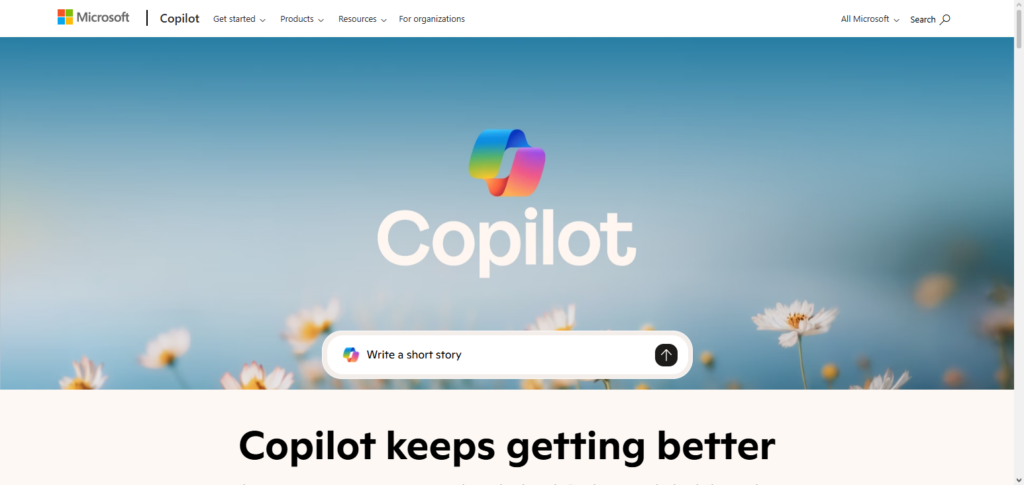
- Enterprise-level security for Microsoft 365 business users.
- Benefits from MS compliance and data protection.
- Identity protection through MS account security.
- Great for workplace productivity, document generation, and collaboration.
- Excellent option for businesses with secure AI integration as a priority.
5. Perplexity AI
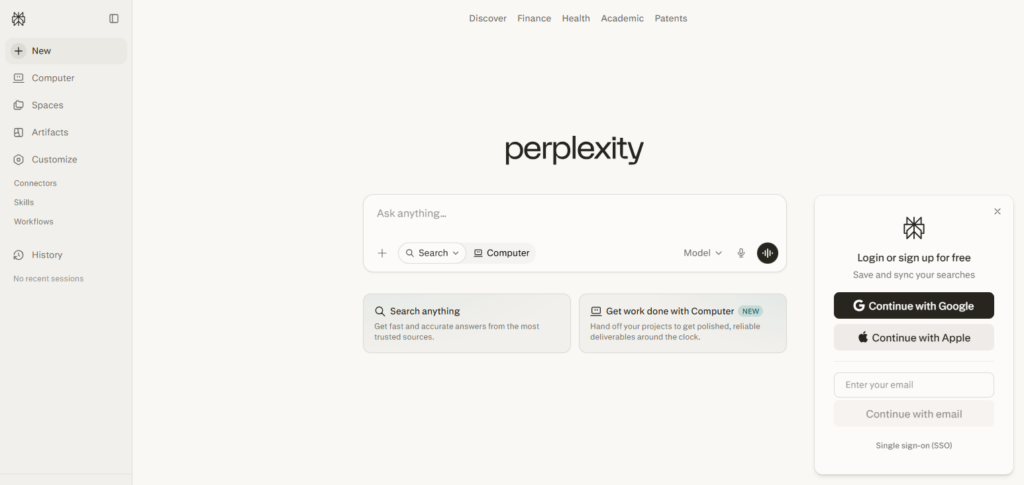
- AI with answers and citations.
- Account settings and personal data.
- User interactions and data secured with encrypted connections.
Essential AI Privacy Features to Look For
Data Encryption
Verify AI assistants provide encryption when data is both in transit and saved. This improves data protection from prying eyes.
Two-Factor Authentication (2FA)
In addition to your password, an AI platform using 2FA will require another step for you to authenticate your identity and secure your account.
Chat History Controls
AI assistants that provide history controls will help manage your privacy by allowing you to view, delete, disable, or clear your chat history.
Data Deletion Options
AI services should allow users to delete their accounts at any time along with the data, files, and chats that the service has saved.
Privacy Policy
AI services should have straightforward and conscious privacy policies to help users understand what data is collected and retained and how it will be used.
User Consent and Privacy Controls
AI services that allow flexible data sharing and privacy controls to manage history and personalization are more desirable.
Secure File Upload Protection
If users have the ability to upload files, AI services should employ secure proctection methods for uploaded files.
Enterprise-Level Security
AI services designed for enterprise use should include security compliance and access control features.
Mistakes to Avoid When Using AI Assistants
Entering Sensitive Personal Information
Don’t share your personal information with AI assistants. This includes your passwords, any information regarding your finances, or any personal medical information.
Inputting Business Data
Do not input sensitive data into AI tools without first understanding how it stores or processes that data. This includes any data or information that is proprietary to your business, information regarding your business’ clients or customers, your business’ legal documents, financial information, and your business’ trade secrets.
Poor Password Management
Never use a weak password to create your AI account. The password for your AI account should be unique and strong to prevent unauthorized access to your account.
Omitting 2FA
Your account is at a greater risk of being compromised if you do not enable your account’s 2FA (two-factor authentication). Activate 2FA whenever available.
Ignoring the Privacy Policy
You should understand how the AI tool will use your data in order to protect your data. Take the time to read the privacy policy. It is a good practice to pay attention to data policies.
Unmanaged Chat History
In the name of privacy, regularly clear history of your conversations. Neglecting to review or clear chat history will always put your privacy at risk.
Blindly Trusting AI
Trusting AI can lead to poor or even questionable decisions. Research your options before you make any decisions that can have a legal or financial impact.
Untrusted Sources of AI Apps
Avoid AI apps that are not from trusted sources. Using untrusted apps will undoubtedly put your privacy at risk.
Future of AI Privacy and Data Protection
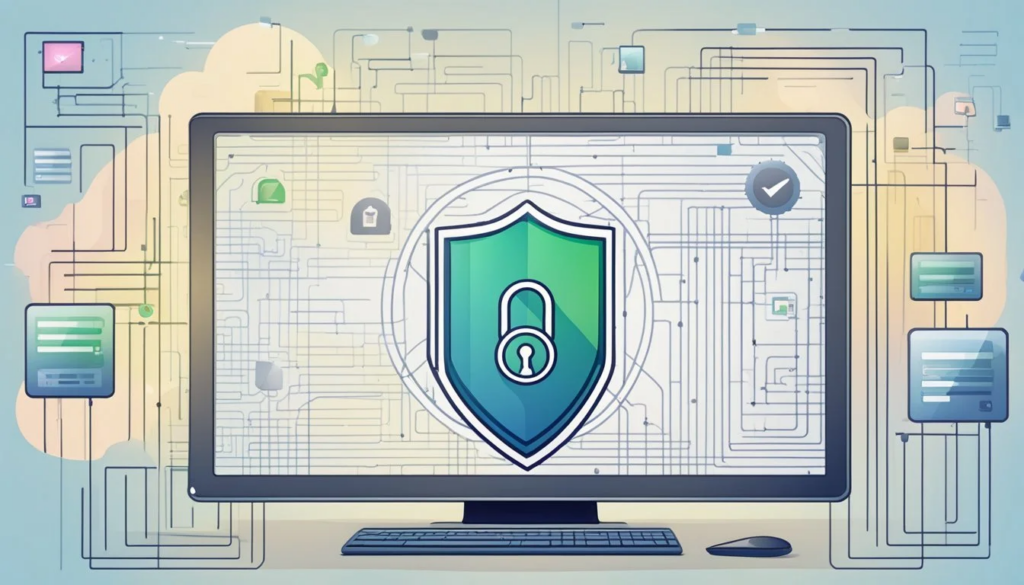
In the future, AI and data protection will put the focus on data control along with data security and accountability in AI. The integration of AI into workplaces and other aspects of daily life will lead governments and tech companies to increase the safeguards of consumer privacy, implement stronger data protection, and design better privacy tools.
Future AI will provide control over data, will implement stronger identity authentication, will process data on the user’s device, and will explain the data collection process.
More privacy technology and techniques such as federated learning and differential privacy, will protect the user’s data while continuing to develop AI frameworks. The future of AI because of the combination of security with responsible AI seeks to provide available AI tools to everyone while keeping private data secure.
Conclusion
Making sure your privacy is protected is key to using AI assistants safely and correctly. Only using trusted AI platforms, avoiding sharing your personal information, enabling security features like two-step verification, examining privacy settings, and frequently deleting chat history will help your data not be as exposed.
It is still key to understand the data collection and usage of the AI services before you use the platform to assist you with personal or work-related tasks.
AI is a leading technology with lots of features. Understanding the leading technology also ensures the safety of your information and balances the benefits of using technology while keeping your personal and business data protected.
FAQ
Is it safe to use AI assistants for everyday tasks?
Yes, AI assistants are generally safe for everyday tasks when you use trusted platforms and avoid sharing sensitive information such as passwords, banking details, or confidential business data. Following good security practices further reduces privacy risks.
What information should I never share with an AI assistant?
You should never share passwords, credit card numbers, bank account details, government identification numbers, medical records, confidential legal documents, trade secrets, or other highly sensitive personal or business information.
Can AI assistants store my conversations?
Many AI assistants may store conversations to provide chat history, improve services, or troubleshoot issues. The exact data retention policy depends on the AI provider, so it’s important to review the platform’s privacy settings and policy.
How can I protect my AI account?
Use a strong, unique password, enable two-factor authentication (2FA), regularly review account activity, and keep your AI applications updated with the latest security patches.