


In this article, I will explain the process of how to add Arbitrum to MetaMask Wallet, step by step. Arbitrum is an Ethereum Layer 2 solution with faster and cheaper transactions.
Once added, you will have access to Arbitrum dApps in MetaMask, and you will be able to manage your Arbitrum tokens in the wallet and improve your overall cryptocurrency experience, all in one place.
What is Arbitrum?
Arbitrum is an Ethereum Layer 2 solution for speed, cost, and scalability improvements. Most of the transactions are processed off-chain, and built on Ethereum security as decentralization. It uses Optimistic Rollups technology, which takes several transactions, processes them as one, and sends them to the Ethereum mainnet.
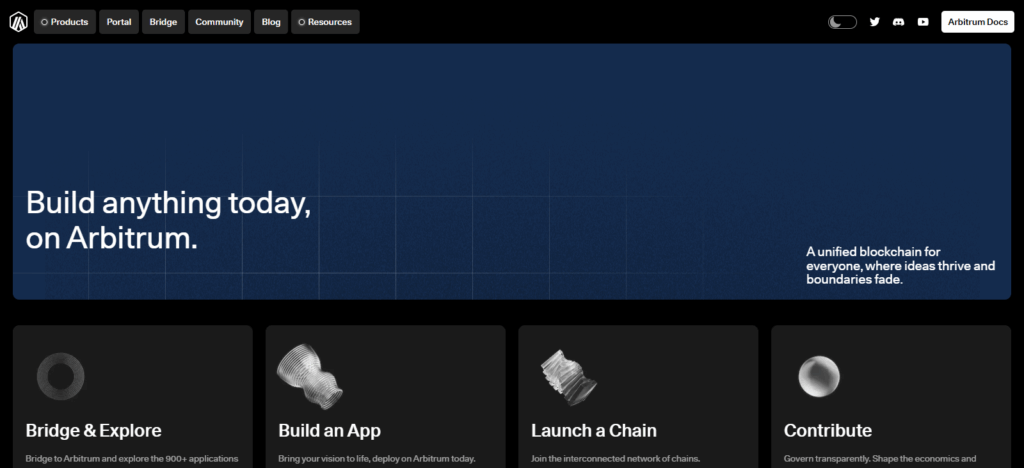
This significantly reduces gas fees and solves congestion issues. All Ethereum smart contracts and tokens are Arbitrum compatible, and therefore all dApps, DeFi, and NFT platforms are compatible and extend. The security and reliability of Ethereum mean that the increasing trimmed cost experience is easier in Arbitrum’s trimmed cost experience ecosystem.
How to Add Arbitrum to MetaMask Wallet
How to Add Arbitrum to MetaMask Wallet – Step by Step
Step 1: Open Your MetaMask Wallet
- Launch the MetaMask browser extension or mobile app.
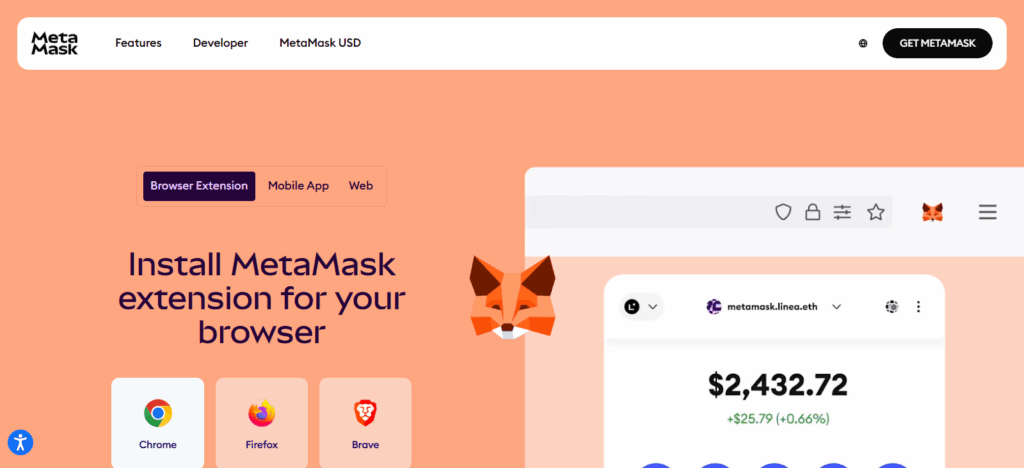
- Enter your password to unlock your wallet.
Step 2: Go to Network Settings
- Click on the network dropdown at the top of MetaMask (usually shows “Ethereum Mainnet”).

- Select “Add Network” or “Custom RPC”.
Step 3: Enter Arbitrum Network Details
Fill in the following information carefully:
- Network Name: Arbitrum One
- New RPC URL: https://arb1.arbitrum.io/rpc
- Chain ID: 42161
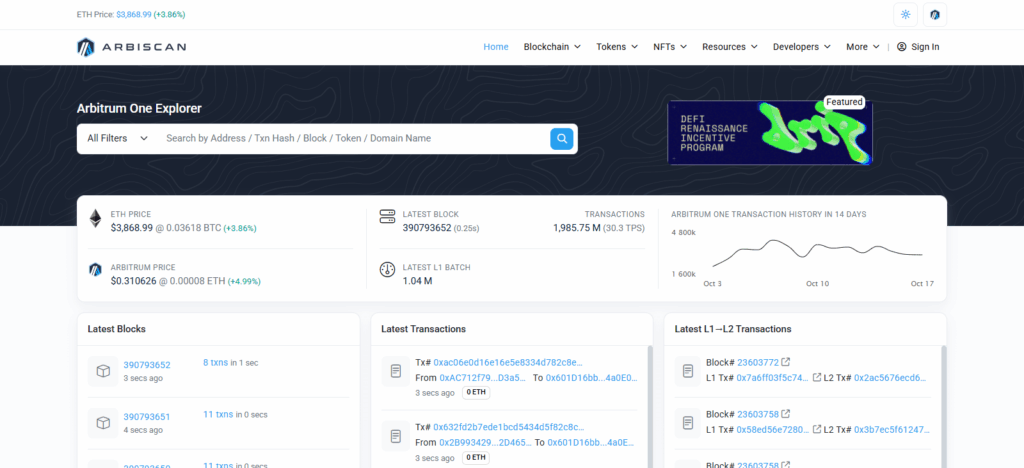
- Currency Symbol: ETHBlock Explorer URL: https://arbiscan.io
Step 4: Save the Network
- Click Save.
- MetaMask will now include Arbitrum in your network list.
Step 5: Switch to Arbitrum Network
- From the network dropdown, select Arbitrum One.
- Your wallet is now connected to the Arbitrum network.
Step 6: Verify the Network Connection
- Check your wallet for “Arbitrum One” at the top.
- Optional: Send a small test transaction to confirm everything works.
Step 7: (Optional) Add Arbitrum Tokens
- To see your tokens on Arbitrum, click Import Tokens in MetaMask.
- To add it, enter the token contract address.
Why Use Add Arbitrum to MetaMask Wallet
Lower Transaction Fees
As one of Ethereum’s Layer 2 solutions, Arbitrum helps you save on transaction fees as opposed to using the Ethereum mainnet.
Faster Transactions
Arbitrum speeds up the confirmation of transactions, so there are shorter delays when transferring funds or using dApps.
Access to Arbitrum dApps
Use your MetaMask to access many dApps built on Arbitrum. These include Arbitrum-based DeFi and NFT applications as well as games.
Seamless Ethereum Compatibility
Use Arbitrum as your gateway to Ethereum. Use ETH or ERC-20 tokens on Arbitrum, and access and trade Ethereum-based smart contracts.
Better Scalability
Arbitrum makes Ethereum’s congestion problems better. Your transactions with Arbitrum will not only be fast but also smooth.
Portfolio Management in One Wallet
Manage your Arbitrum assets alongside your Ethereum assets. Use one wallet to control all.
Benefits Of Add Arbitrum to MetaMask Wallet
Reduced Gas Fees
Transactions cost significantly less than those on the Ethereum mainnet.
Faster Transaction Speeds
Transaction confirmations are almost instant.
Access to Arbitrum Ecosystem
Use all the dApps, DeFi, and NFT projects available on Arbitrum.
Full Ethereum Compatibility
Use Ethereum and ERC-20 tokens, and Ethereum smart contracts seamlessly on Arbitrum.
Enhanced Network Scalability
Help ease congestion on the Ethereum network.
Unified Wallet Management
There is no need to switch applications to manage your Ethereum and Arbitrum assets.
Secure and Decentralized
Complete control over your private keys and access to Ethereum Layer 2 security.
Tips For safe Arbitrum to MetaMask Wallet
Verify RPC Configs
Prior to including Arbitrum, ensure the Network Name, RPC URL, Chain ID, and Block Explorer URL are confirmed through credible channels.
Use Only Official Channels
Do not click on links from unverified sites. Always reference Arbitrum’s official domain or the relevant documentation from MetaMask.
Protect Your Keys
Your MetaMask seed phrase and private keys are to remain confidential.
Phishing Sites
Always ascertain that the sites are legitimate dApps and exchanges before wallet connection.
Start Small
To confirm that your network and wallet are operational, send a nominal amount of ETH or tokens first.
Use MetaMask’s Built-In Security Features
Security protocols like passwords, hardware wallet connections, and 2FA are available and should be used.
Update MetaMask
To mitigate the risk of security lapses, keep your wallet app or extension current.
Risk & Considerations
Incorrect RPC Settings
Wrong network details set can lead to failing transactions or refuge to nefarious networks.
Phishing Attacks
Scam sites and dApps can try to trick you into stealing your private keys or seed phrase.
Smart Contract Risks
Loss of funds can happen when using unverified or malicious dApps.
Network Downtime or Congestion
Arbitrum is faster than Ethereum, but it can still slow down or experience other technical issues.
Transaction Irreversibility
Mistakes on the blockchain, such as sending tokens to the wrong address, are permanent.
Limited Token Liquidity
Some tokens on Arbitrum can be harder to trade or swap.
Security of MetaMask
Funds on Arbitrum will be at risk if your device gets compromised or you fail to secure MetaMask.
Pros & Cons
| Pros | Cons |
|---|---|
| Lower gas fees compared to Ethereum mainnet | Risk of entering incorrect RPC details |
| Faster transaction speeds | Possibility of phishing attacks |
| Access to a wide range of Arbitrum dApps and DeFi platforms | Some tokens may have limited liquidity |
| Full Ethereum compatibility (ETH & ERC-20 tokens) | Smart contract risks with unverified dApps |
| Reduced network congestion | Transactions are irreversible |
| Manage Ethereum and Arbitrum assets in one wallet | Wallet security depends on device and user practices |
| Secure Layer 2 solution using Ethereum’s network | Occasional network downtime or technical issues |
Conclusion
Integrating Arbitrum with your MetaMask wallet streamlines and improves your transaction experience with less costly fees, quicker processing, and the Arbitrum ecosystem’s numerous offerings.
A single wallet can hold Ethereum and Arbitrum assets if the prescribed steps, network specifications, and wallet safety measures are observed and executed.
Managing Arbitrum and Ethereum assets provides seamless access to decentralized finance (DeFi) platforms, non-fungible tokens (NFTs), and decentralized applications (dApps). You can simply upgrade your MetaMask to enjoy the benefits of Arbitrum.
FAQ
Is it safe to add Arbitrum to MetaMask?
Yes, as long as you use the official Arbitrum network details and keep your MetaMask wallet secure.
Do I need ETH to use Arbitrum?
Yes, a small amount of ETH is required for transaction fees on the Arbitrum network.
Can I switch back to Ethereum mainnet after adding Arbitrum?
Absolutely. You can easily switch networks using the MetaMask network dropdown.
How do I add tokens on Arbitrum?
Click Import Tokens in MetaMask and enter the token contract address to add Arbitrum-based tokens.
What should I do if a transaction fails?
Check the network details, ensure sufficient ETH for fees, and verify the recipient address before retrying.